XIOR Student Housing
Internet Onboarding

Getting started: Internet onboarding

Connect up to 4 devices to wired/wireless Internet and create your own private network with plenty of down- and upload bandwith and volume to cater your specific needs. We provide easy and professional onboarding of your devices and premium support by FAQ, support form or phone.

Headerbeeld

Connect your devices in seconds

Connecting your smarthphone, tablet or laptop to wifi?

You’re off with your first device in seconds!

Click next and follow these instructions.

Personal wifi code

STEP 1

As part of your onboarding into the Xior residence, you have received a document or e-mail containing a wifi access key.

Connect your device to the wireless network Xior Student Network and enter your personal key.

You are now connected!

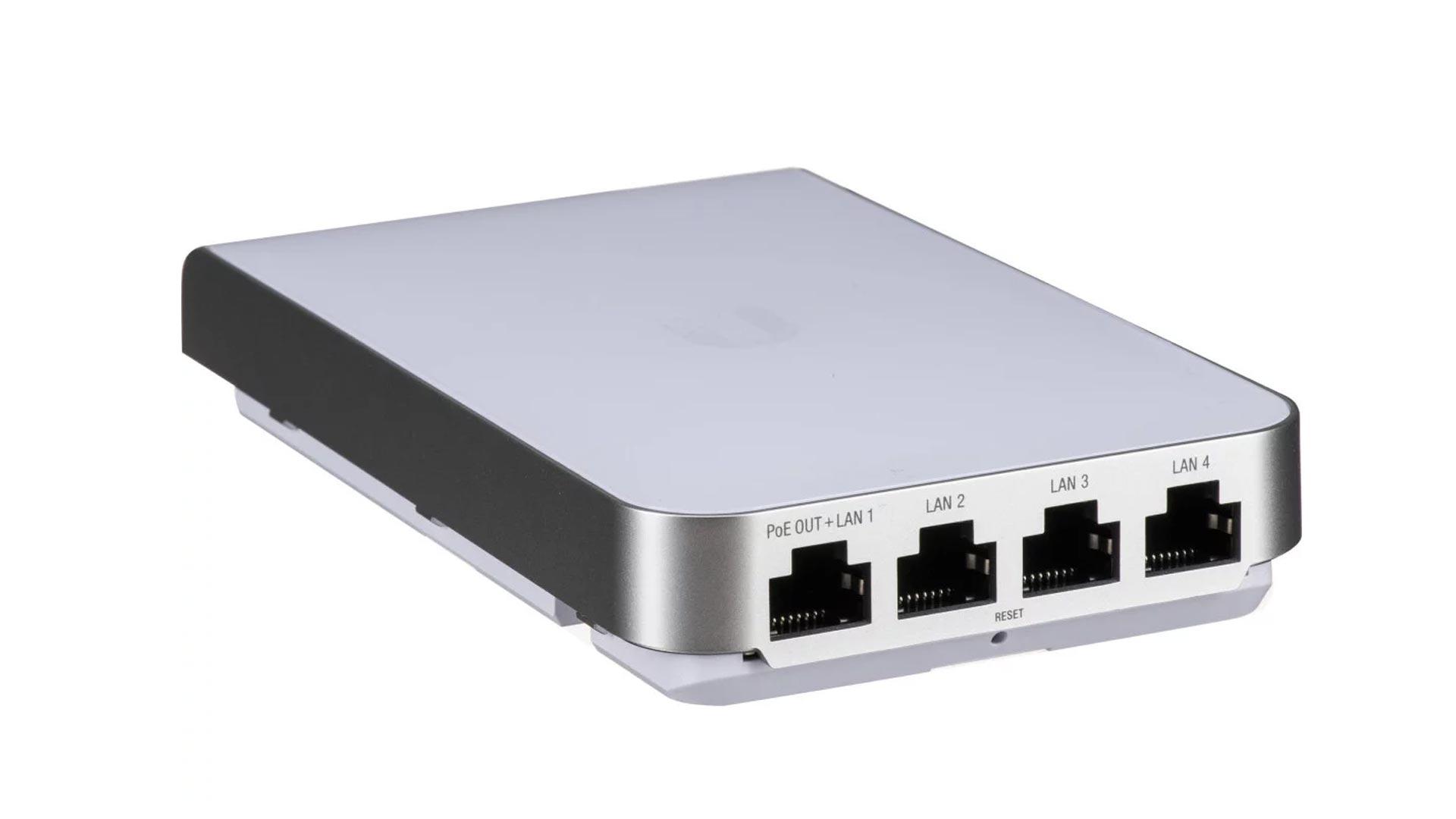
Wireless antenna

STEP 2

Do you have a wired device?

Connect it using a cable to the antenna which is present in your room. It will automatically connect to the same private network.

Headerbeeld

STEP 3

You’re ready!

Having troubles connecting?

Check the FAQ section or get in touch using the contact form.

"(Required)" indicates required fields